MCP

Use Cognizo MCP to power your AI agents

Connect Cognizo to Claude, n8n, Cursor or any tool in your stack through our MCP and API. Ask questions, build reports, and automate workflows with your AI visibility data.

Build custom workflows from anywhere in your stack

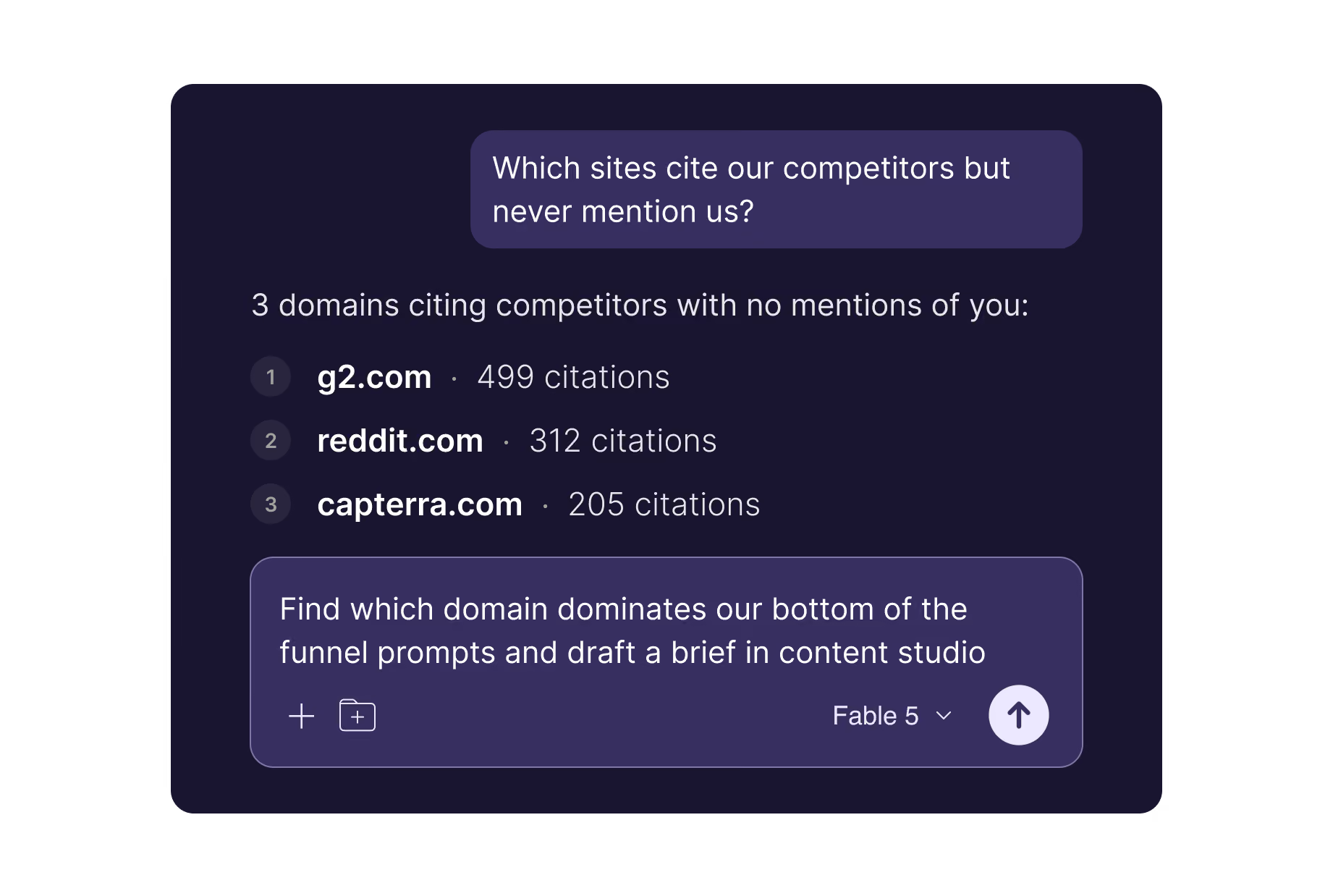
Let AI analyze your visibility data

Analyze all your Cognizo data from Claude, ChatGPT, or Gemini. No dashboard, no export, just ask.

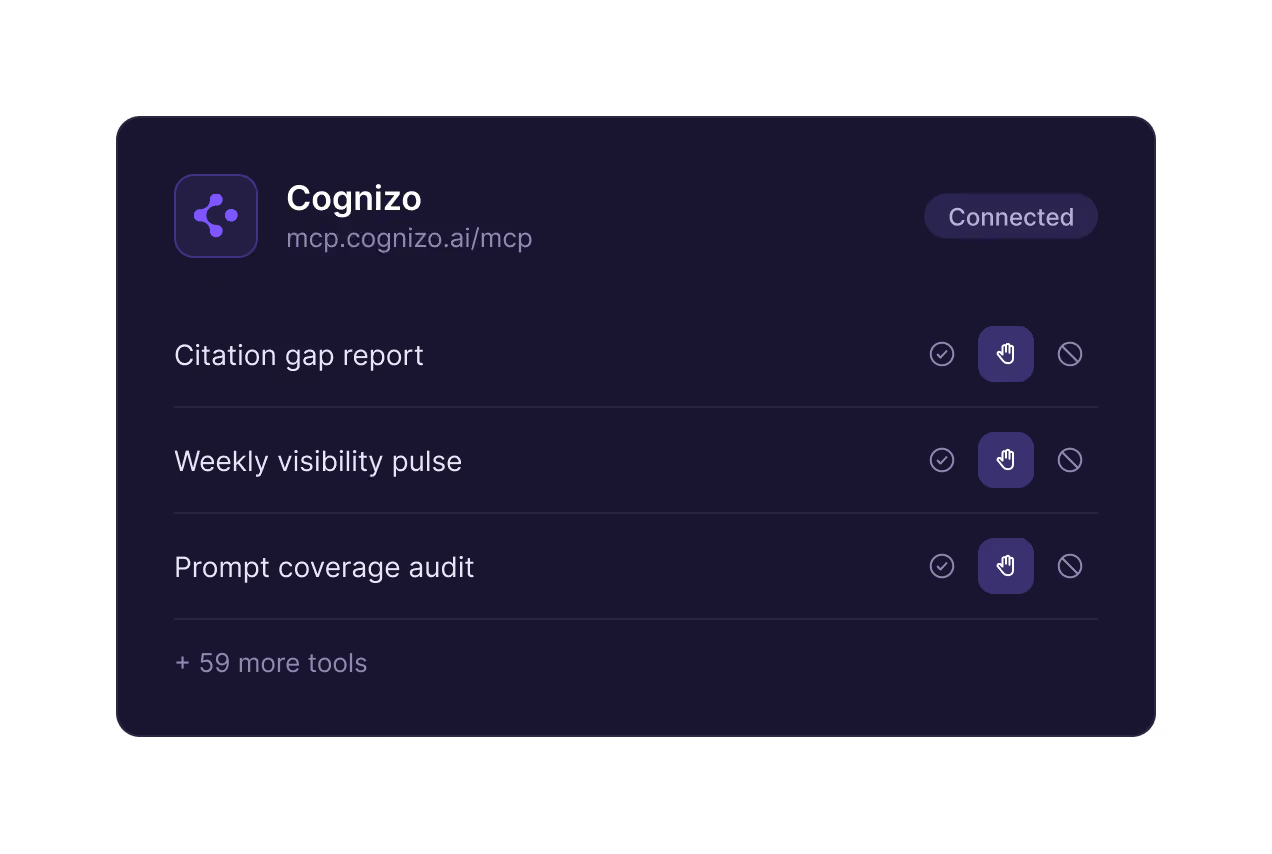
Pull everything you need into your workflows

Get the action plans and audits into where your team works to build agent workflows for automated execution.

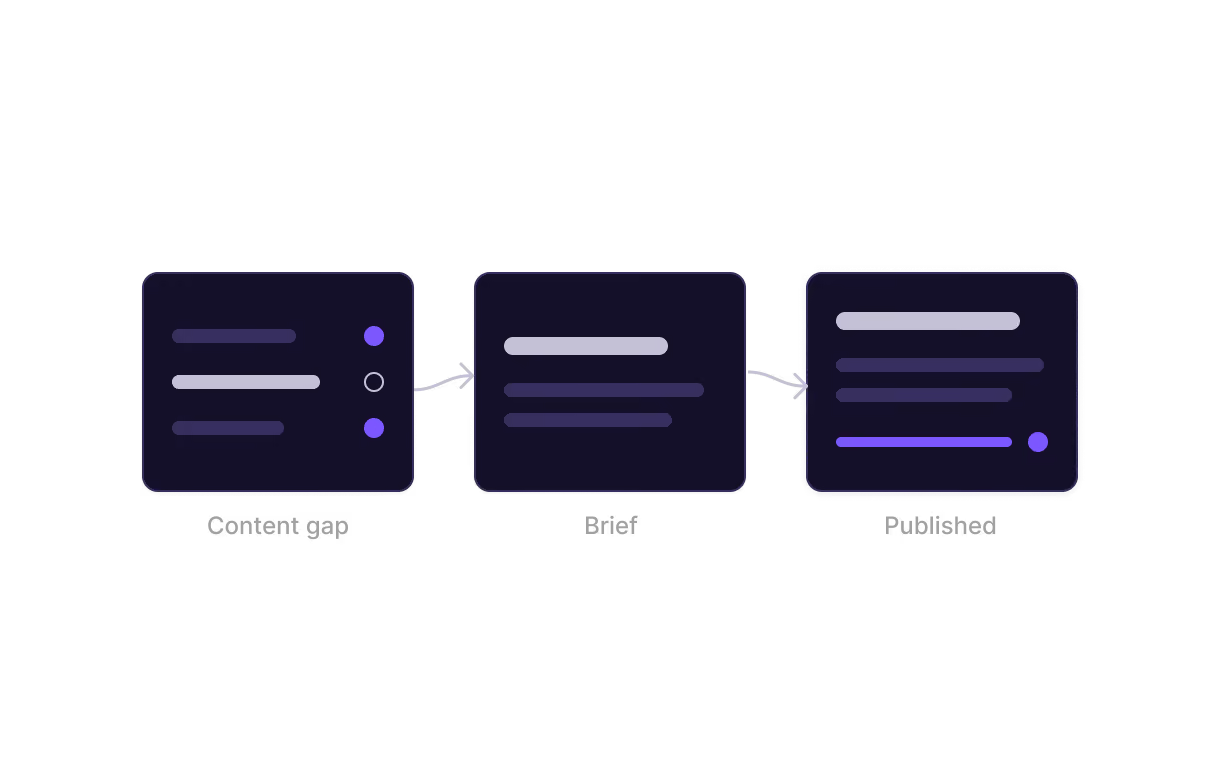
Turn citation gaps into published content

Generate briefs and articles, then publish through whatever CMS or social tool your stack already connects to.

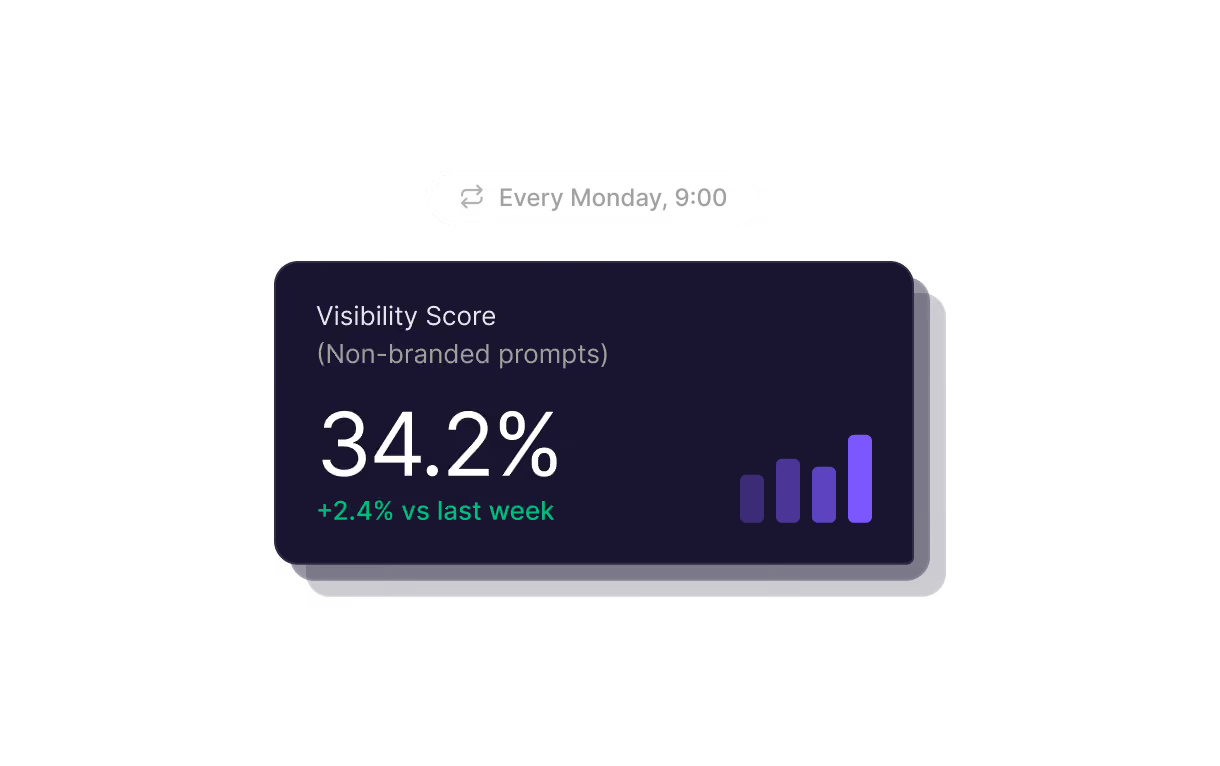
Automate the reports you send every week

Schedule your data reporting into any tool or live dashboard. Set up once, and keep it updated without touching it again.

What our customers say

From growing startups to global enterprises and agencies, Cognizo provides an all-in-one solution for AI search optimization.
"With Cognizo, we have the ability to see exactly how LLMs view our brand — there’s no guesswork involved, from our LLM strategy to execution. Pair that with excellent support from the Cognizo team, and it’s easy to see why we have increased our brand visibility significantly in less than a year."

Maddie Regis
Campaigns Team Lead
"The team at Cognizo has been a true partner. Their platform delivers meaningful insights, and they go above and beyond to pair the technology with hands-on guidance to help us get maximum value from their solution."
Tiffany Darmetko
Head of Innovation
“We started taking our LLM strategy seriously about six months ago. We tested a bunch of different tools and ultimately went with Cognizo. In just a few months, our AI search visibility went from zero to consistently being referenced by all major LLMs. Cognizo played an important role in allowing us to track this improvement in real time and helping us identify gaps to build our LLM strategy around.”
Martyn Strydom
Co-founder and CEO

FAQ

What is the Cognizo MCP server?
The Cognizo MCP server is a hosted Model Context Protocol server that connects tools like Claude, ChatGPT, and Cursor to your Cognizo workspace. Your team can query AI visibility data and act on it in plain language. It exposes 62 tools at https://mcp.cognizo.ai/mcp, no local install.
What can I do with the Cognizo MCP?
You can ask questions like "how did our visibility move on ChatGPT this month," "which domains cite our competitors but not us," or "which prompts are we invisible on" and get answers from live Cognizo data without opening a dashboard. Beyond reading metrics, the server can also create brands, bulk-add prompts, track competitors, and generate content briefs and articles in the same conversation.
What is the difference between the Cognizo MCP server and the Cognizo API?
The MCP server is for AI assistants; the REST API is for code. MCP wraps every API operation in an interface Claude, ChatGPT, or Cursor can call conversationally, while the API at https://core.cognizo.ai/api/v2/ is what you'd use for dashboards, ETL pipelines, and scheduled jobs.
How do I set up the Cognizo MCP server?
Add https://mcp.cognizo.ai/mcp as a remote MCP server in your client. In Claude (web, desktop, mobile), paste the URL under Settings → Connectors and sign in — no API key needed. In Claude Code, Cursor, VS Code, Windsurf, or ChatGPT, create a key at app.cognizo.ai/api-keys and pass it as an X-API-KEY header. ChatGPT also needs developer mode turned on.
What tools does the Cognizo MCP expose?
The Cognizo MCP exposes 60+ tools for AI search, including purpose-built workflow tools such as weekly AI visibility reporting, citation gap reports, competitive analysis that can be pulled in a single call instead of a chain of API requests. A scheduled agent can pull the numbers, draft updates, and flag what changed without anyone opening a tab. The remaining tools cover brands, topics, prompts, metrics, citations, competitors, ChatGPT ads and advertisers, opportunities, and Content Studio.
Which plans have access to Cognizo MCP?
Every Cognizo plan includes the MCP server. Create an API key in your workspace settings and connect. No separate MCP fee, no enterprise tier, and no support ticket to enable access.